Cortexa Ground Truth
Nº 36 · Explainer · · 5 min read
 By Joe Coffman, Founder of Cortexa Consulting
Tip: once it’s playing, tap any line to jump the audio there.
Make the AI answer in a shape your system can read.
Structured output makes AI answer in a fixed format that software can use. It fixes the shape of the answer, never whether the answer is right.
“Can the AI just hand us the data in a format we can use?” Anyone who has tried to plug it into a real workflow asks this sooner or later. A paragraph of fluent text is easy for a person to read and hard for a spreadsheet, a database or a campaign tool to accept. Structured output is how you get the other kind of answer, one that arrives in a fixed shape software can read. Function calling is how the model asks that software to do something.
What is structured output?
Think of a form with labeled boxes. Ask a person to describe a customer and you get a paragraph. Hand them a form with Name, Company and Budget and you get three boxes a system can read. You give the model the same kind of form, called a schema: which fields exist, what type each one holds, which are required. The format is JavaScript Object Notation (JSON), the plain-text layout most software already speaks.

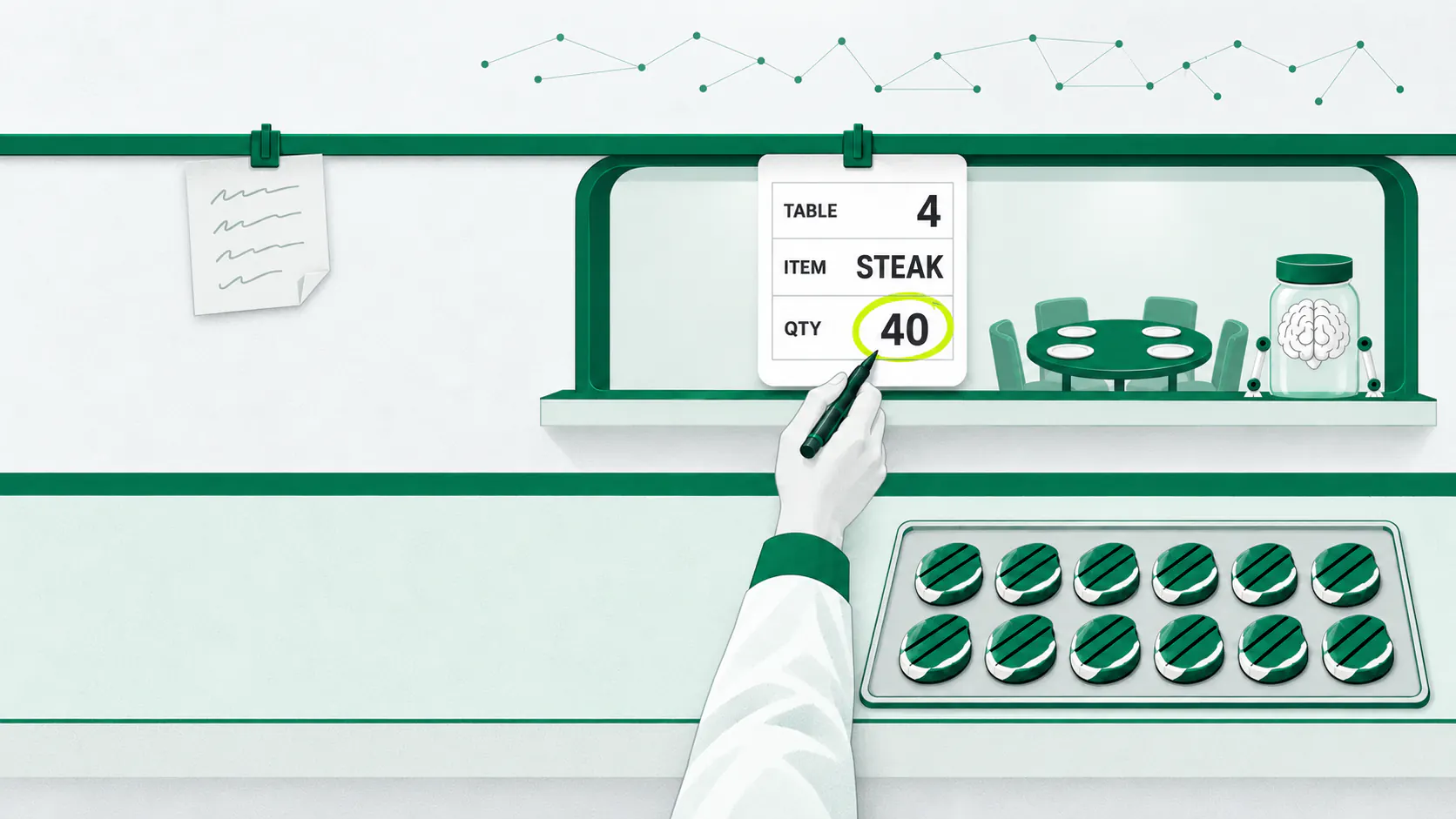
The guarantee is stronger than it used to be. OpenAI describes its Structured Outputs feature as ensuring the model will always produce responses that adhere to your schema, so you don’t need to worry about it omitting a required key1. It calls the feature the evolution of older JSON mode, where only Structured Outputs ensure schema adherence1. Anthropic’s version works through constrained decoding2, which limits what the model is allowed to write as it writes, so a malformed answer can’t come out.
What is function calling?
Structured output covers what the model says. Function calling covers what it asks for. You hand the model a short list of tools, such as “look up an order” or “add a row to the sheet,” each described by a schema. When one fits, the model replies with a filled-in request: which tool, with which inputs. It runs nothing itself. For tools you define, you write the schema and your application runs each call3. OpenAI’s guide describes the same split: the model connects to your code4, which can access data or take actions the model suggests.
01
List the tools
name each one and the fields it needs
02
The model asks
it names a tool and fills in the inputs; it runs nothing
03
Your code decides
check the request, then run it under your own permissions
04
The result goes back
the model reads the outcome and writes the reply
Your code stays in charge of what actually runs.
What's Real?
- The format problem is largely solved. Anthropic lists what went wrong without it: parsing errors2, missing required fields and inconsistent data types. With a schema in place, those are what the feature is built to prevent.
- The shape is guaranteed; the content is not. OpenAI’s own guide says Structured Outputs can still contain mistakes1. A tidy record with the wrong budget in it is still wrong, the same guessing described in why AI guesses5.
- A form with no honest empty answer invites invention. OpenAI warns that the model will always try to fit the schema, which can result in hallucinations1 when the input doesn’t match it. Give the schema a way to say “unknown.”
- Refusals break the shape. Anthropic notes that when Claude declines for safety reasons, the output might not match your schema2 because the refusal comes first. Code that assumes a perfect form every time will fail on the day it doesn’t get one.
- The output is input for whatever reads it next. The Open Worldwide Application Security Project (OWASP) lists insufficient validation, sanitization, and handling6 of model outputs before they reach other systems as a named risk. A schema checks the shape, and nothing else checks the rest.
The “so what” — for anyone serving tech clients
- Write the form first. Name the fields, the types and which are required before anyone builds. It doubles as the agreement on what “done” looks like, and the client can read it.
- Check values, not just shape. A valid record passes a format check by definition. Add the rules a person would apply (the budget is a positive number, the order exists), and test the rest the way evals7 do, on the client’s real cases.
- Keep the tool list short and the risky actions human. Reading and drafting can run on their own. Sending, deleting and paying wait for a person to approve. The same wiring, standardized across vendors, is the subject of what MCP is8.
- Plan for the empty case. Add an “unknown” option and decide in advance what happens on a refusal. That is the difference between a demo and a workflow.
Sources
- OpenAI — Structured Outputs (API guide)
- Anthropic — Structured outputs (Claude Platform docs)
- Anthropic — Tool use with Claude (Claude Platform docs)
- OpenAI — Function calling (API guide)
- Cortexa Ground Truth Nº 2 — “AI doesn’t lie — it guesses confidently”
- OWASP — LLM10:2026 Improper Output Handling (Top 10 for LLM Applications 2026)
- Cortexa Ground Truth Nº 8 — “Evals, in plain English”
- Cortexa Ground Truth Nº 12 — “MCP is just a universal plug”
Up next


More in Ground Truth

