Cortexa Ground Truth
Nº 32 · Explainer · · 5 min read
 By Joe Coffman, Founder of Cortexa Consulting
Tip: once it’s playing, tap any line to jump the audio there.
Client data in ChatGPT depends on the tier.
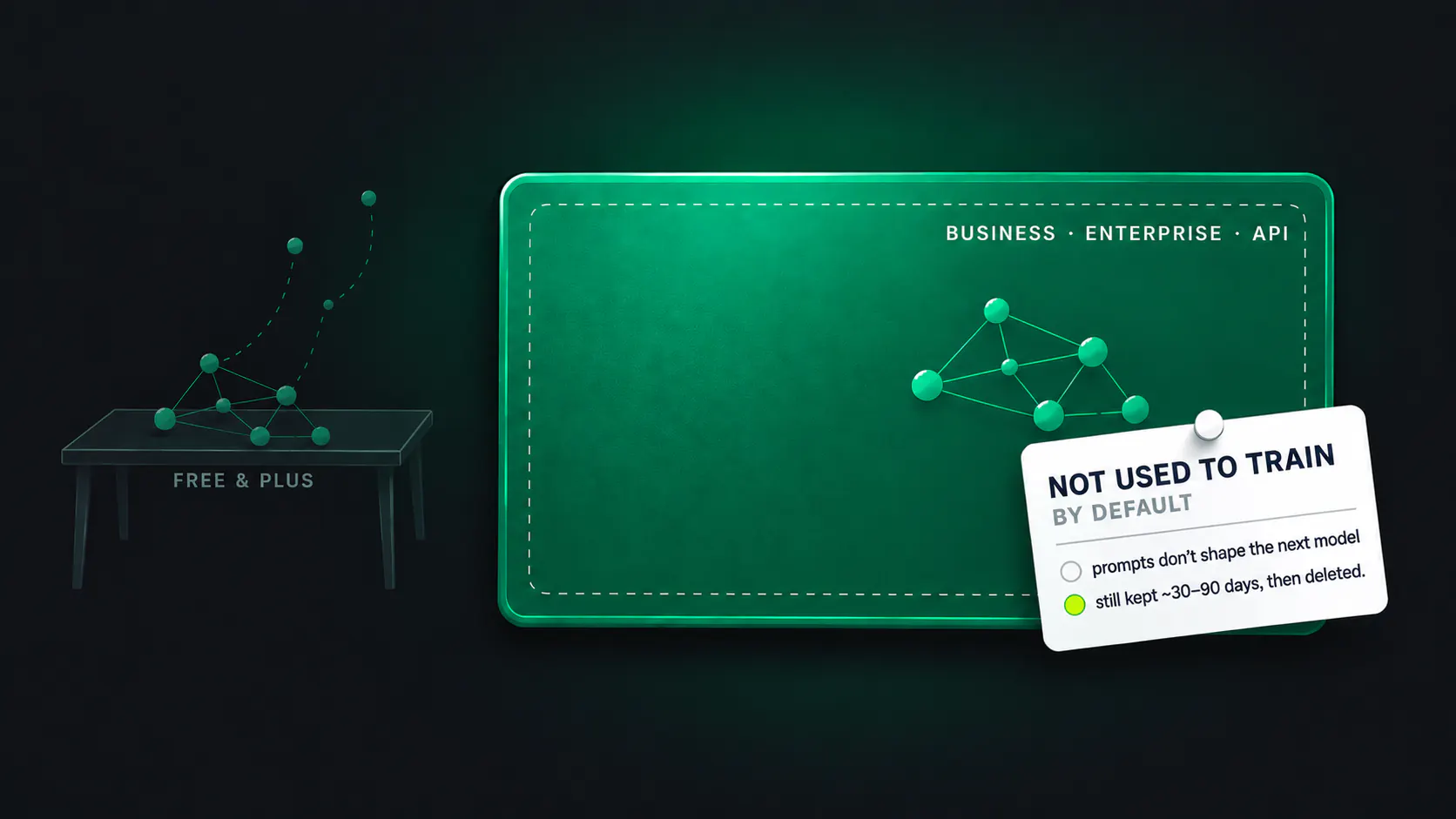
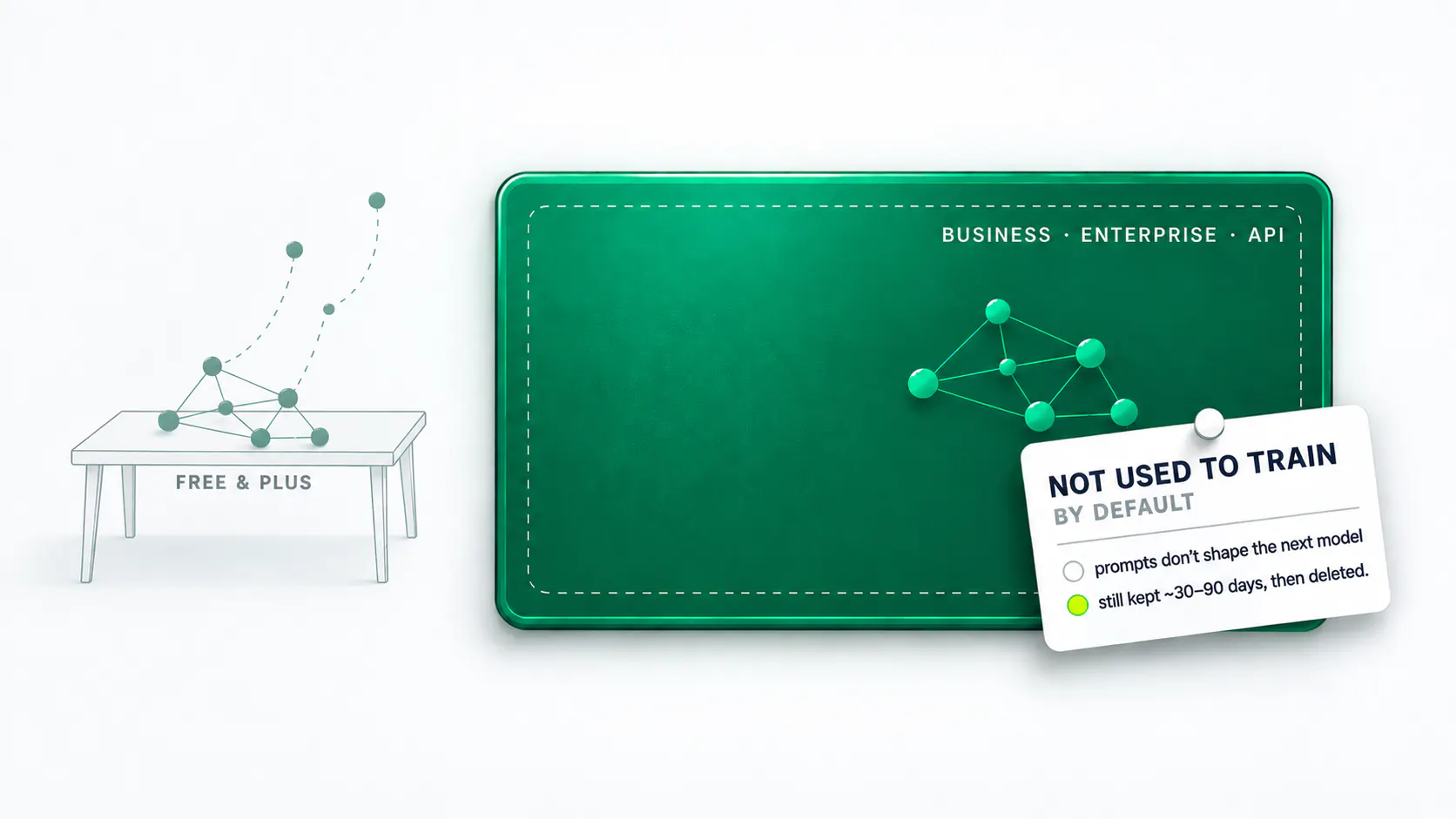
Free ChatGPT trains on what you type by default. Business, Enterprise and the API turn that off, but still store your prompt for weeks.
“It's just ChatGPT. Nobody's emailing the file anywhere.” Someone on the account team says a version of this most weeks, usually mid-paste: a client's brief, a spreadsheet of results, a slide of messaging that hasn't shipped yet. ChatGPT is four different products wearing one name, and each one treats that paste differently.
Which ChatGPT is doing the typing?
Sign up with an email and you get the free app, or Plus and Pro if you pay for more capability. By default, that tier can use what you type to improve the model, and the switch for it sits in Data Controls: turn “Improve the model for everyone” off and new conversations stop feeding it3, though the ones you already sent stay exactly where they were.
Log in through work instead, on ChatGPT Business or Enterprise, and the default flips. OpenAI states plainly that it does not use business customer content from ChatGPT Enterprise and ChatGPT Business to train its models1. A client's own product, built on the Application Programming Interface (API) rather than the chat app, gets the same treatment: data sent to the API is not used to train or improve OpenAI models2 unless a developer opts in. Same company, same underlying model, opposite defaults, and the only thing that decides which one applies is the account you're typing into.
If it's not training on it, where does it go?
Not training on a prompt is a different question from not keeping it, and the two get conflated constantly. OpenAI lets Enterprise admins configure their own retention window, but even the shortest one they can choose is a floor: Enterprise Owners can set a custom data retention policy for the workspace with a minimum of 90 days1. The API keeps its own copy too, separate from any training question: abuse monitoring logs are generated for all API feature usage and retained for up to 30 days2, unless an approved Zero Data Retention (ZDR) agreement removes that copy entirely.
None of this is specific to OpenAI. Anthropic draws the identical line for Claude: by default, we will not use your inputs or outputs from our commercial products (e.g.4 Claude for Work, Anthropic API, Claude Gov, etc.)4 to train our models4, and its standard retention floor is the same shape too, automatically delete inputs and outputs on our backend within 30 days of receipt or generation5, with its own Zero Data Retention option for qualifying accounts. A client asking about ChatGPT this quarter will ask about whichever tool is next.
01
Name the product
Free, Plus, Pro, Team, Enterprise, or the API: the default changes with the tier
02
Check the training default
consumer defaults to on; Business, Enterprise and the API default to off
03
Check the retention window
most tiers still keep the prompt for a set number of days first
04
Get it in writing
a signed Data Processing Agreement is what binds it
What's Real?
- The free tier trains on your prompt until you turn that off yourself, in Data Controls, and turning it off only stops new conversations from feeding the model3; what you already sent stays sent.
- Business and Enterprise flip the default the other way: OpenAI states it does not use business customer content from ChatGPT Enterprise and ChatGPT Business to train its models1, and the API carries the same rule for anything a client's own product sends it.
- Excluded from training is not the same as deleted. Enterprise's own retention floor is a minimum of 90 days1, and the API's abuse-monitoring copy sits for up to 30 days by default, unless an approved Zero Data Retention agreement removes it.
- Anthropic runs the same shape for Claude: commercial products default out of training, and the standard retention floor is 30 days5, with its own Zero Data Retention option for qualifying accounts. Whatever tool a subcontractor reaches for, the two questions are the same.
The “so what” — for anyone serving tech clients
- Put client-facing work on a paid, business-tier account by default. The free app is fine for a personal draft; it is the wrong place for a brief, a media plan, or a client's own numbers.
- Ask which retention window applies, and get the answer written into the Master Service Agreement or Data Processing Agreement, not a settings screenshot.
- Run the same two checks (the training default and the retention window) on every AI tool touching a client's account, including whatever a subcontractor picked without asking.
Up next


More in Ground Truth

